
-
WhatsApp Automation Tool: Features, Benefits, Use Cases & How It Works

WhatsApp has quietly become one of the most important customer communication channels for businesses of every size. With billions of active users, it’s no longer just a messaging app for friends and family — it’s where customers expect quick replies, order updates, and support. The problem is that manually managing hundreds or thousands of WhatsApp…
-
What Is the Classification of ChatGPT Within Generative AI Models?

ChatGPT has become one of the most widely used AI tools in the world, helping people write, code, research, and solve problems every day. But behind its simple chat interface sits a fairly specific technical classification — and understanding it helps explain both what ChatGPT is good at and where its limitations come from. In…
-
Developers Using Generative AI: 8 Critical Mistakes to Avoid

Developers using generative AI face a simple but high-stakes reality: when AI-written code ships with a bug, a security flaw, or a license violation, the responsibility doesn’t fall on the AI — it falls on the developer and the company that shipped it. Picture a common scenario: a programmer hits a tough bug, pastes the…
-
Black Dot on Computer Screen: 7 Quick Fixes You Need to Try
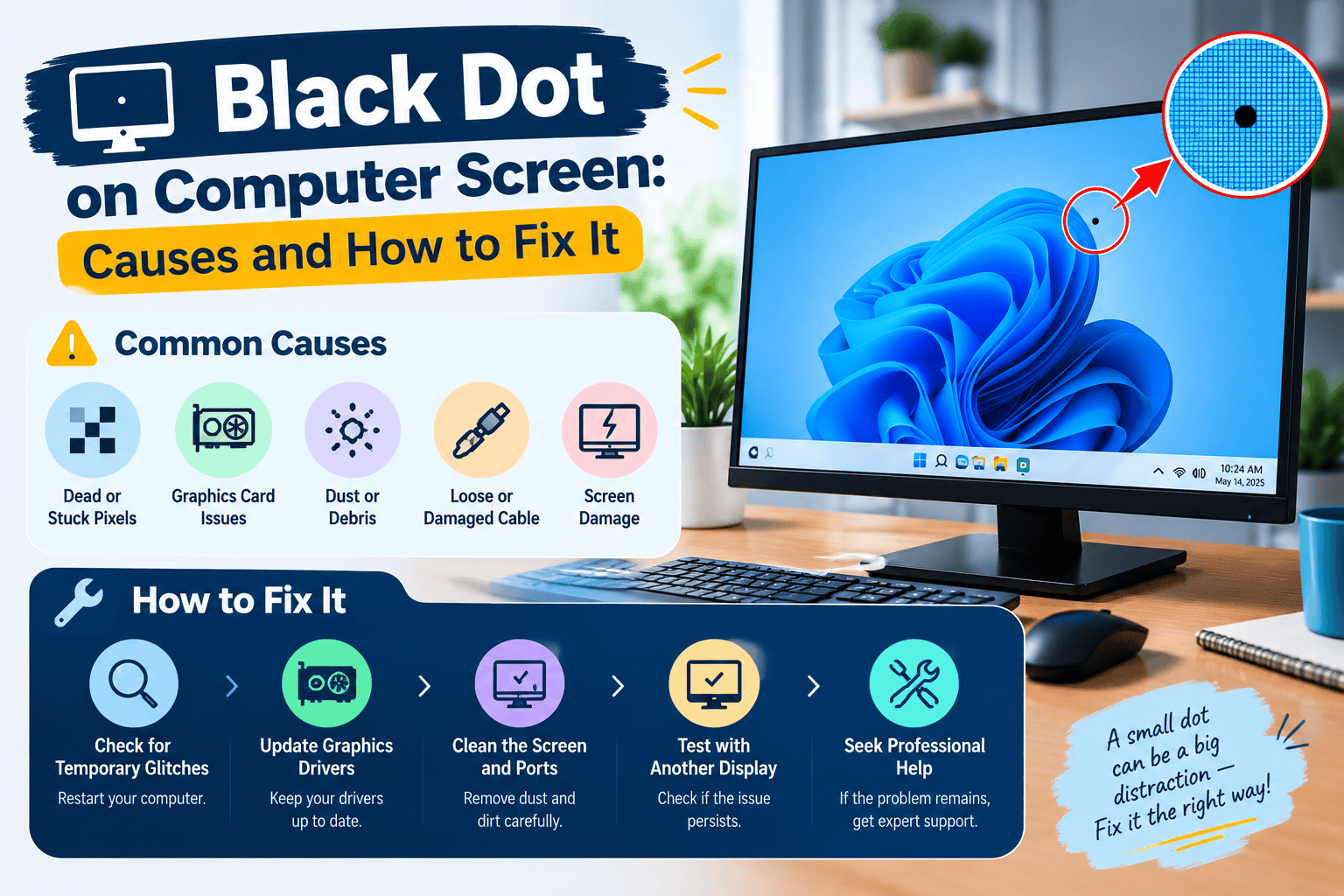
A black dot on computer screen can appear suddenly and make you worry about expensive repairs. However, not every dark spot means your monitor or laptop display is damaged. In many cases, the issue is caused by simple dust, a stuck pixel, a dead pixel, a loose cable, or minor display damage. Identifying the exact…
-
Hardware Troubleshooting: How to Diagnose and Fix Common Computer Problems
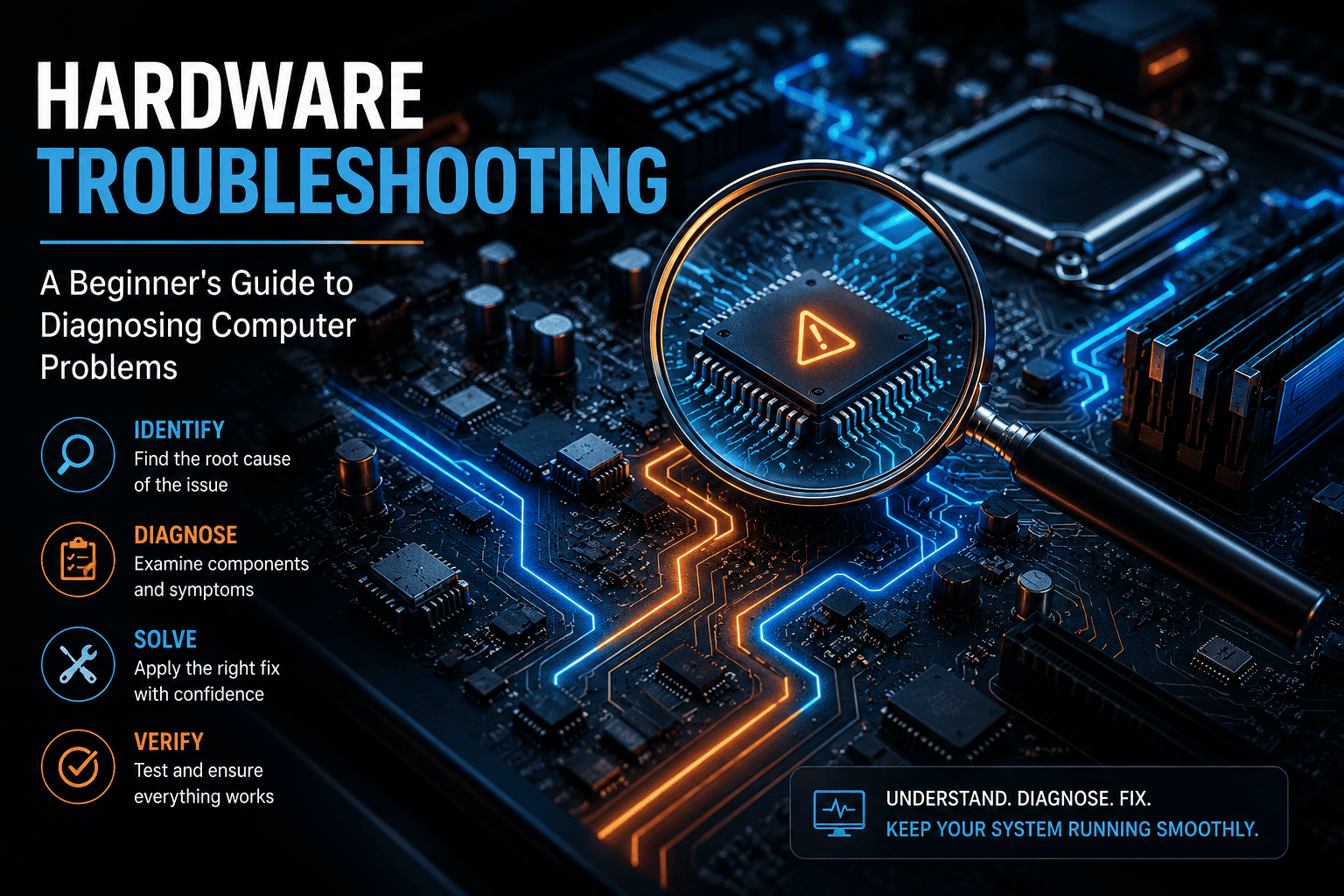
Diagnosing computer hardware issues can be challenging due to the fact that one symptom has several possible explanations. For example, a computer that gets slow out of the blue may be having a problem with the storage, memory, ventilation, or software. A computer that starts up but does not display anything may be faced with…
-
Basic Computer Troubleshooting: Common Problems and How to Fix Them

Basic computer troubleshooting starts with understanding what’s actually wrong before jumping to a fix. Your computer touches almost everything you do — work, study, communication, entertainment. So when it slows down, freezes, or refuses to connect to the internet, it can throw off your whole day. The good news: most everyday computer problems don’t need…
Search
Archive
Recent Posts
- Daily Wellness Supplements: What to Know Before You Start

- The 7 Dimensions of Wellness Explained (2026)

- 5 Tips to Stay Hydrated: A Simple Guide for 2026

- Refurbished iPhone 17: Price in India, Features, Benefits & Buying Guide

- Upper Back Pain During Pregnancy: Causes, Relief, and When to See a Doctor

Gallery