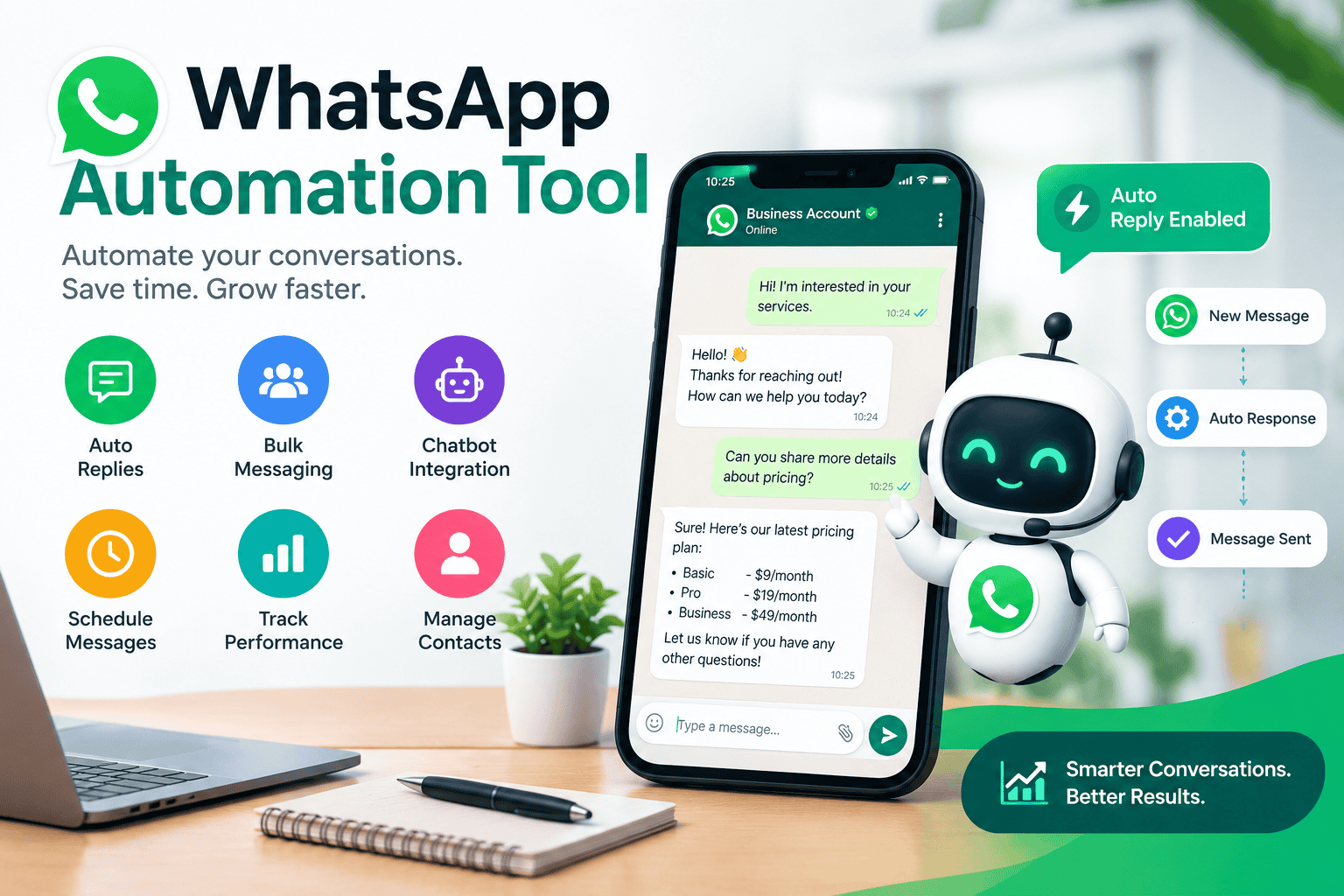
WhatsApp has quietly become one of the most important customer communication channels for businesses of every size. With billions of active users, it’s no longer just a messaging app for friends and family — it’s where customers expect quick replies, order updates, and support. The problem is that manually managing hundreds or thousands of WhatsApp conversations simply doesn’t scale. That’s exactly the gap a WhatsApp automation tool fills.
In this guide, you’ll learn how WhatsApp automation works, which features to look for, how businesses use it, what it costs, and how to choose the right solution.
What Is a WhatsApp Automation Tool?
A WhatsApp automation tool is software that allows businesses to send, receive, and manage WhatsApp messages automatically, without a human manually typing every reply. Instead of one person handling a shared inbox, these tools let businesses set up automated replies, structured chatbot flows, scheduled broadcasts, and integrations with other business systems like CRMs and e-commerce platforms.
There’s an important distinction worth understanding here: the free WhatsApp Business App only supports basic automation, like a welcome message or an away message when you’re offline. To unlock real automation — handling FAQs, sending order confirmations, running broadcast campaigns, or connecting to a CRM — businesses typically need the WhatsApp Business API, accessed through a certified Business Solution Provider (BSP) rather than the consumer app.
Key Features of a WhatsApp Automation Tool
Automated replies and chatbot flows
These handle common customer questions instantly — order status, business hours, pricing, or FAQs — without waiting for a human agent to become available.
Broadcast and bulk messaging
Businesses can send announcements, promotions, or updates to large segments of their audience at once, rather than messaging people one by one.
Interactive messages
Modern tools support buttons, list menus, and quick replies rather than plain text, making it easier for customers to navigate options without typing full sentences.
CRM and e-commerce integrations
Most automation platforms connect with tools like HubSpot, Salesforce, Shopify, and WooCommerce, so conversations and customer data sync automatically instead of requiring manual updates.
Unified inbox
Many platforms combine WhatsApp with other channels — Instagram, Facebook Messenger, SMS, live chat — into a single dashboard, so support teams aren’t switching between apps.
Multi-agent access
Unlike the basic WhatsApp Business App, which has a hard device limit, automation platforms allow multiple team members to log in and manage conversations simultaneously.
Analytics and reporting
Dashboards typically track delivery rates, response times, and increasingly, revenue attribution -connecting specific WhatsApp conversations to actual sales outcomes.
AI-Powered Customer Support
Explain that some platforms can use AI to understand customer questions and provide automated responses, with human handoff when needed.
Workflow Automation
Explain triggers → conditions → actions.
Example:
Customer places an order → system detects the order → WhatsApp confirmation is sent automatically → shipping updates are sent when the order status changes.
Benefits of Using a WhatsApp Automation Tool
Faster response times
Customers increasingly expect an almost-instant response, and businesses that fail to deliver risk losing them to a competitor. Automated first responses close that gap immediately, even outside working hours.
Reduced manual workload
Automating repetitive queries — “What are your hours?” or “Where’s my order?” — frees up support teams to focus on conversations that actually need a human touch.
24/7 availability
Automated flows keep a business responsive around the clock, including weekends and holidays, without needing round-the-clock staffing.
Better lead management
Automation tools can collect customer details through structured chat flows, qualify leads based on their answers, and route high-intent conversations directly to the right sales team member.
Consistent customer experience
Automated flows ensure every customer gets accurate, consistent information, rather than relying on individual agents to remember policies or promotions.
Scalability
automation flow can handle a sudden spike in inquiries — during a sale or product launch, for example — without needing to hire and train additional staff on short notice.
Common Use Cases
E-commerce order updates
Automatic confirmations, shipping notifications, and delivery alerts sent the moment an order status changes
Customer support
Instant answers to frequently asked questions, with smooth handoff to a human agent for complex issues
Appointment and booking reminders
Used heavily by clinics, salons, and service businesses to reduce no-shows
Payment reminder
Automated nudges for pending payments or renewals
Lead qualification
Structured chat flows that gather basic information before a sales rep gets involved
Marketing campaigns
Targeted broadcast messages sent to customer segments based on purchase history or interests
Healthcare and appointment management
Helps patients book, reschedule, or cancel appointments easily. It can also manage patient details, doctor availability, reminders, and follow-ups.
Education and course enquiries
Helps students get information about courses, fees, eligibility, admissions, and schedules. It can also handle enquiry forms, student questions, and admission follow-ups.
WhatsApp Business App vs WhatsApp Automation Tool
| Feature | WhatsApp Business App | Automation Tool |
|---|---|---|
| Basic auto-replies | Yes | Yes |
| Chatbot workflows | Limited | Yes |
| Multi-agent support | Limited | Yes |
| CRM integration | Limited | Yes |
| Automated workflows | Basic | Advanced |
| Analytics | Basic | Advanced |
| Customer segmentation | Limited | Yes |
How WhatsApp Automation Actually Works
At a technical level, most WhatsApp automation tools are built on top of the WhatsApp Business API — specifically the Cloud API, which is Meta’s own hosted version. Here’s the general flow:
- Business verification — a business creates a Meta Business Manager account and verifies its identity, since automation access isn’t available to unverified accounts.
- Choosing a provider — businesses select a Business Solution Provider (BSPs like Wati, Gupshup, 360dialog, or Twilio are common examples), which acts as the technical bridge between the business and Meta’s infrastructure.
- Building message templates — for many types of outbound messages, especially the first message in a conversation, templates must be pre-approved by Meta to prevent spam.
- Setting up automation flows — using a visual workflow builder (most platforms are no-code), businesses design the logic: what triggers a message, what conditions route a conversation to a bot versus a human, and what data gets logged.
- Connecting integrations — the platform is linked to a CRM, helpdesk, or e-commerce system so data flows both ways automatically.
- Monitoring and optimizing — ongoing use of analytics dashboards to track delivery rates, response rates, and conversation outcomes, refining the flows over time.
The entire setup process, including business verification, typically takes anywhere from a few days to about a week, depending on the provider and how quickly documentation is submitted.
Choosing the Right Tool
Not every business needs the same setup. Small businesses focused primarily on customer support are often well served by simpler, SMB-focused platforms with strong shared inboxes and chatbot builders. Larger enterprises running complex, multi-step workflows with custom integrations typically need platforms built for scale, with more advanced automation logic and higher reliability guarantees. The right choice comes down to conversation volume, the complexity of the workflows needed, and which existing business tools the platform needs to integrate with.
Frequently Asked Questions
1. Is WhatsApp automation the same as the WhatsApp Business App?
No. The free WhatsApp Business App only supports very basic automation, like welcome and away messages. Full automation — chatbots, bulk messaging, CRM integration — requires the WhatsApp Business API through a certified provider.
2. Do I need coding skills to set up WhatsApp automation?
Not usually. Most modern automation platforms offer no-code, visual workflow builders designed specifically so non-technical teams can set up and manage flows.
3. How long does it take to set up WhatsApp Business API automation?
Typically three to seven days, depending on the provider and how quickly business verification documents are submitted and approved.
4. Can WhatsApp automation completely replace human customer support?
Not entirely, and it isn’t meant to. The most effective setups use automation to handle repetitive, high-volume queries while ensuring smooth handoff to a human agent for anything requiring judgment or empathy.
5. Is WhatsApp automation only useful for large businesses?
No. While enterprises use it for scale, small and medium businesses often see the biggest relative benefit, since automation lets a small team manage a volume of conversations that would otherwise require several additional hires.